

Thermal Paper
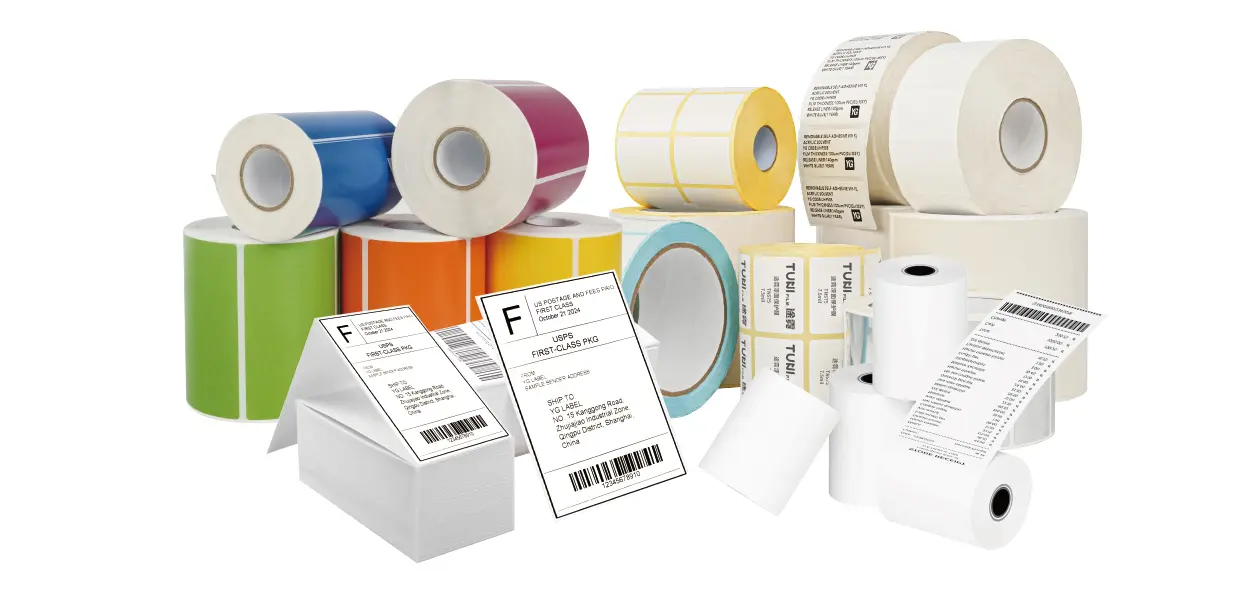
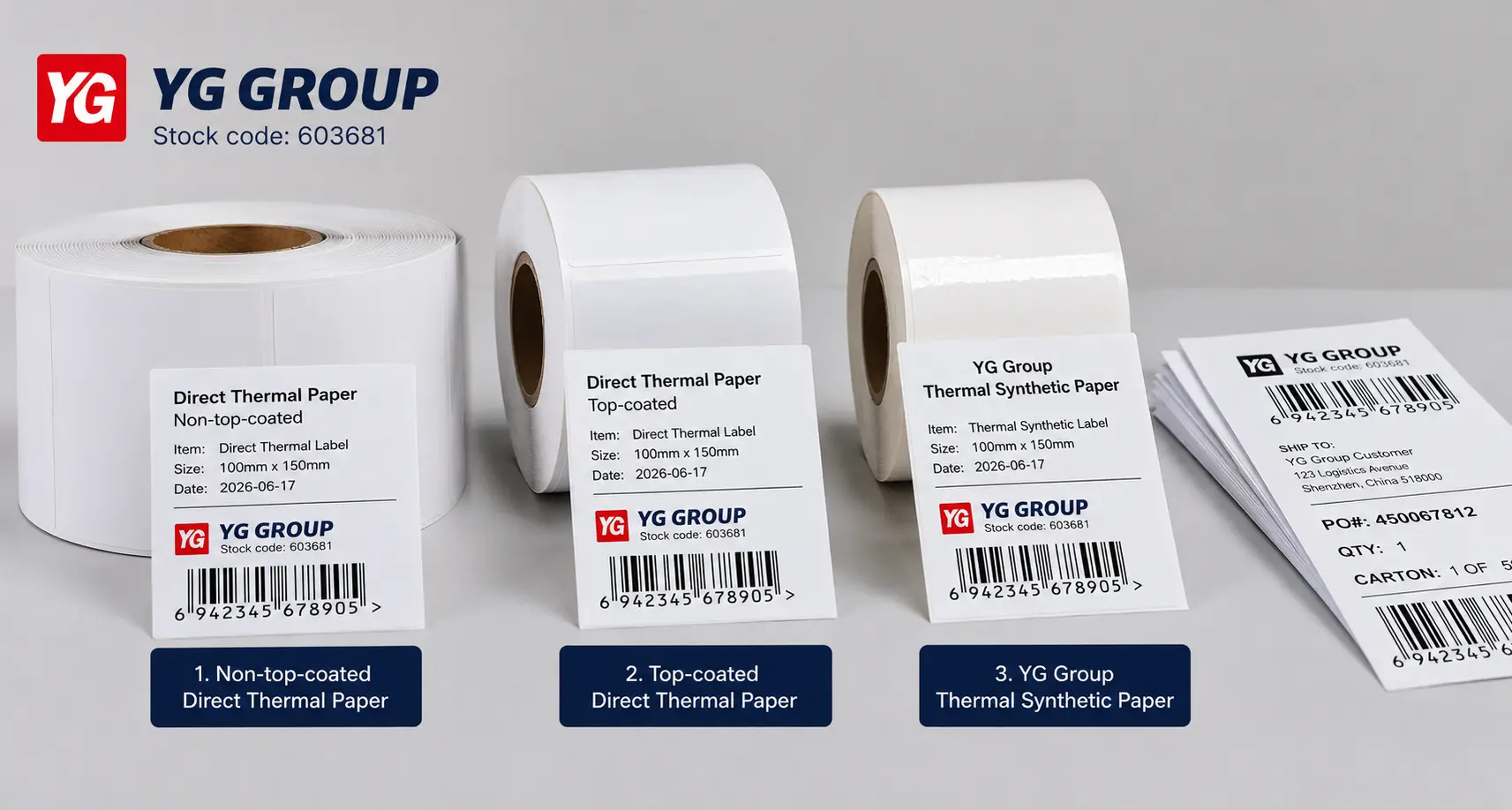
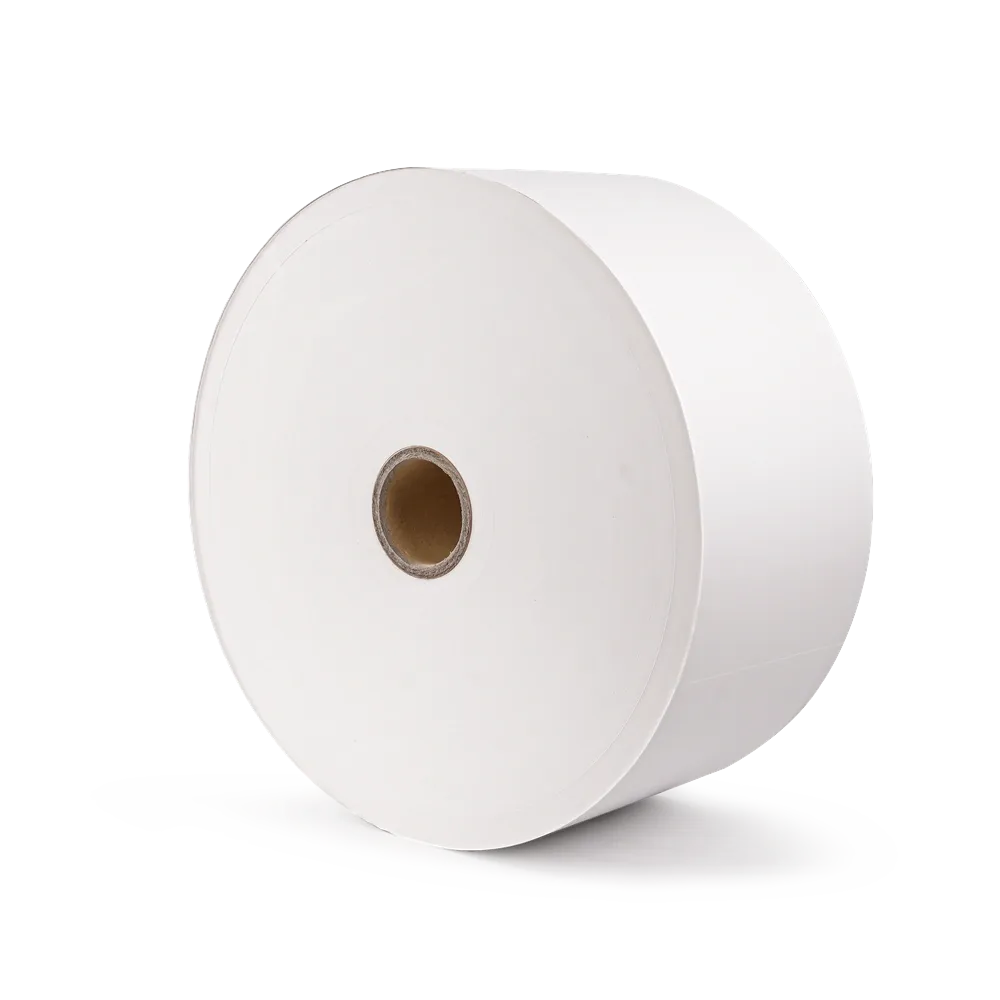
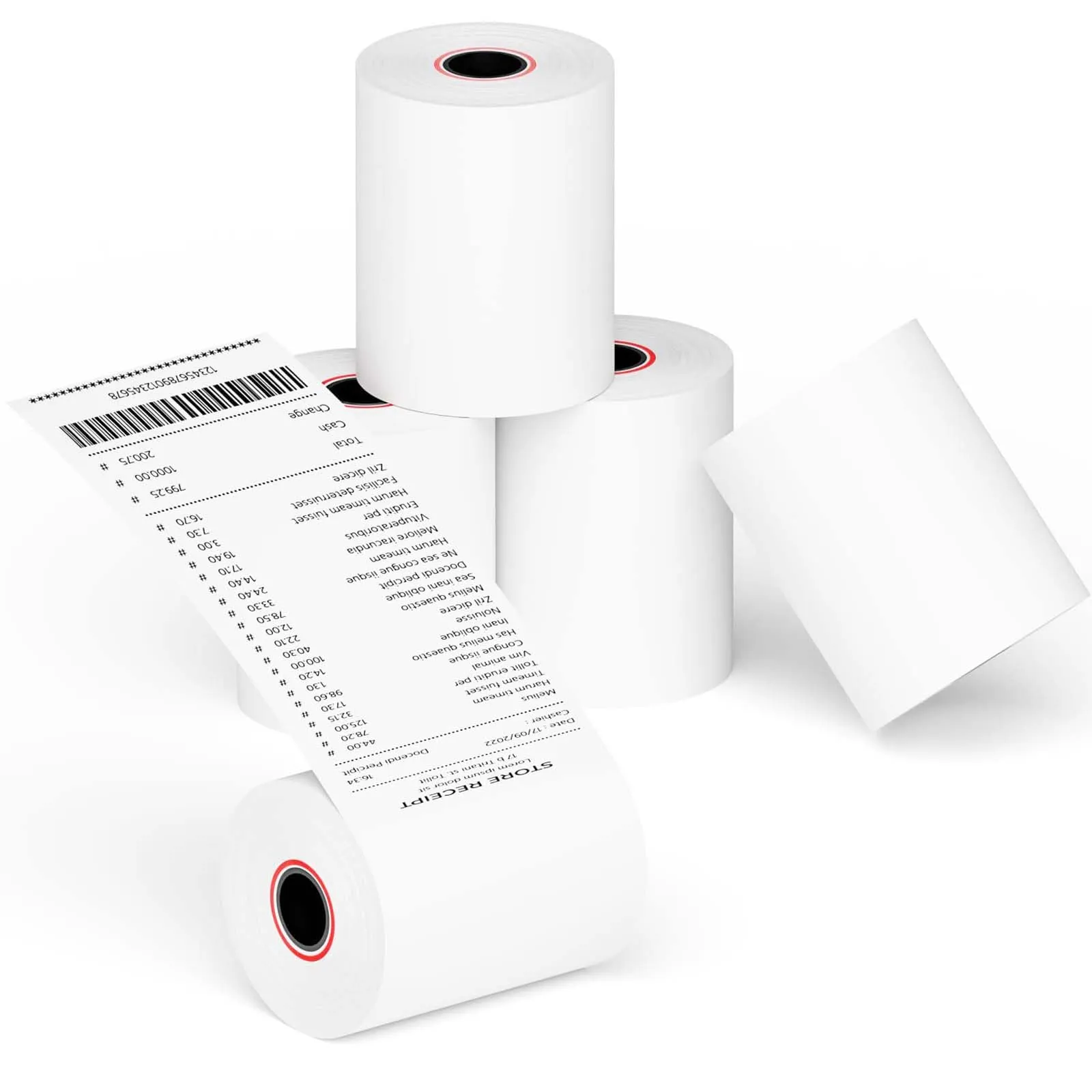
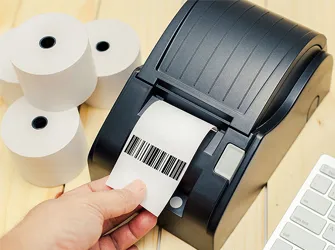
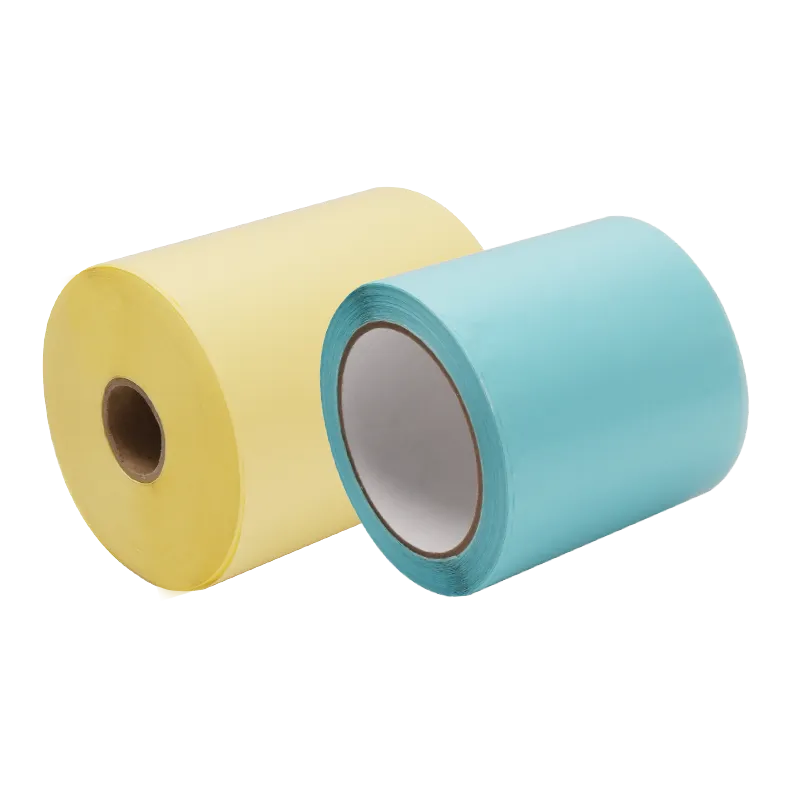
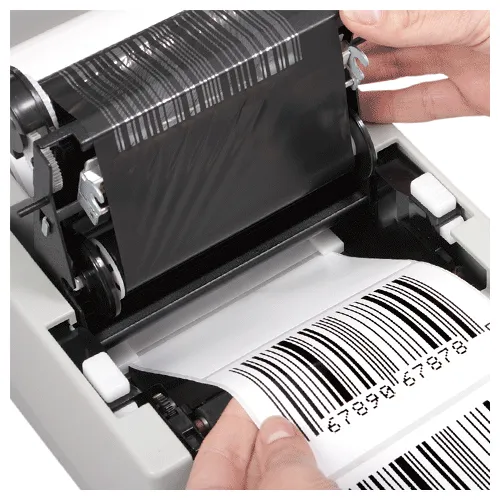
Thermal Paper is a specially coated paper material that produces images when exposed to heat from a thermal print head. It is widely used for direct thermal labels, barcode labels, receipts, tickets, and variable information printing applications.
Features:
- Heat-Sensitive Printing Surface
- Fast and Efficient Printing
- Smooth Surface with Clear Print Performance
Applications:
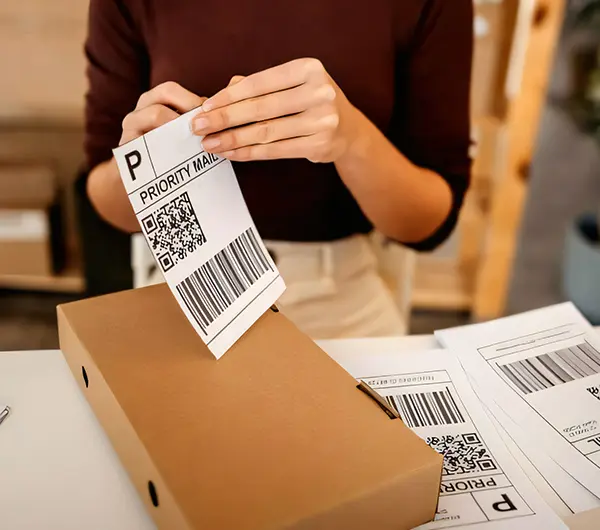
- Shipping and Logistics Labels
- Retail and POS Receipts
- Barcode and Identification Labels

Available Models and Specifications
| Product | Facestock Gsm | Facestock Material | Adhesive | Liner Material |
| RW6503 | 65g | None Top thermal Paper | No Adhesive | No Liner |
| RS6590 | 65g | Economic Top Thermal Paper | No Adhesive | No Liner |
| RD7007 | 70g | Eco Thermal Paper | No Adhesive | No Liner |
| RS6510 | 65g | Economic Top Thermal Paper | No Adhesive | No Liner |
| R50001 | 50g | Thermal Paper | No Adhesive | No Liner |
*We support custom options, including:
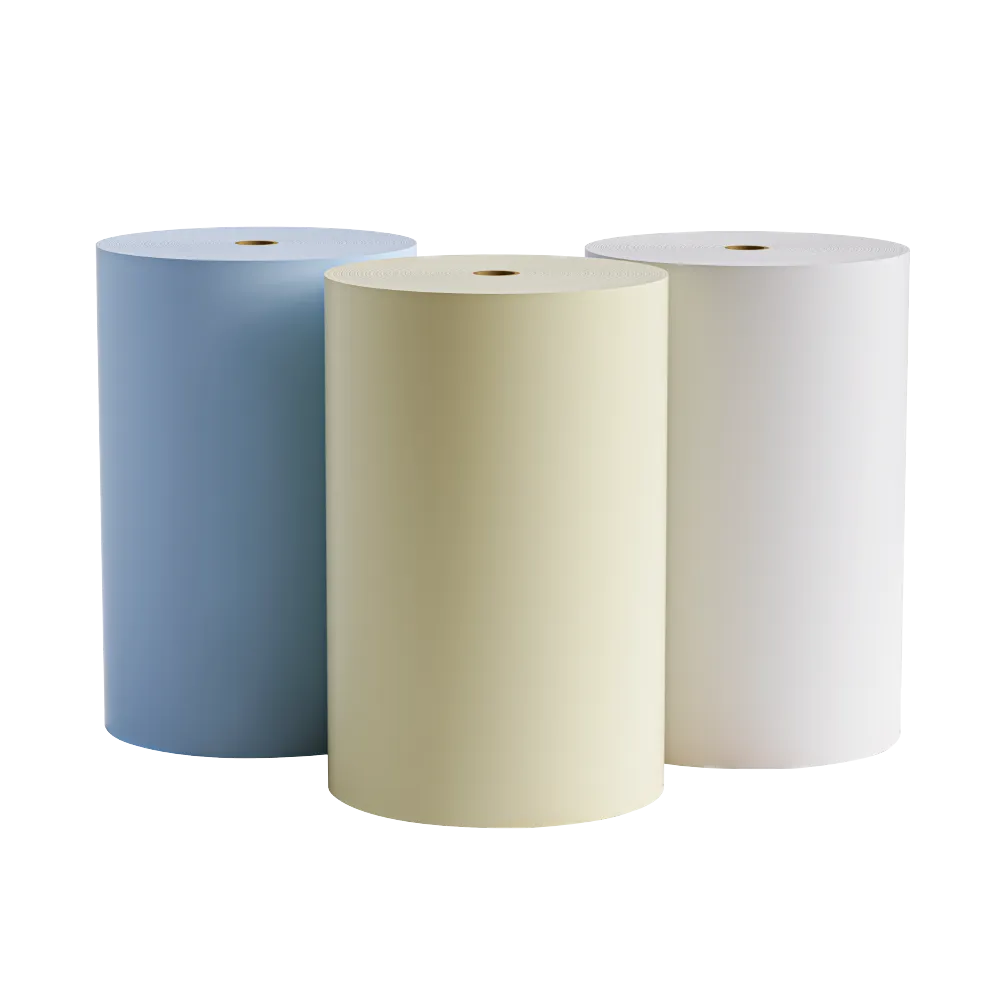
Width, length, thickness, color, logo, packaging, core size, adhesive type, face material, release liner, jumbo roll or finished roll supply
Why Choose Thermal Paper?
Thermal Paper provides a reliable solution for fast and efficient direct thermal printing applications.
- Clear Image Quality
Ensures sharp text, graphics, and barcode readability. - Fast Thermal Printing
Creates images quickly without ink or ribbon. - Smooth Surface Performance
Supports stable printing and converting processes. - Wide Application Compatibility
Suitable for logistics, retail, medical, and industrial labels. - Customizable Solutions
Available in different coating types, GSM, and roll specifications.
How to Choose Thermal Paper
Choosing the right Thermal Paper depends on printing requirements, application environment, and durability needs.
1. Consider Printing Application
Choose suitable thermal paper based on labels, receipts, tickets, or industrial identification needs.
2. Evaluate Durability Requirements
For applications exposed to moisture, heat, or friction, choose protective top-coated thermal paper.
3. Check Printer Compatibility
Ensure the thermal paper matches the printer type and printing conditions.
4. Select Suitable Specifications
Consider GSM, roll size, coating type, and label converting requirements.
Thermal Paper FAQ
What is Thermal Paper?
What is Thermal Paper used for?
What is the difference between Thermal Paper and Thermal Transfer Paper?
What are the advantages of Thermal Paper?
How do I choose the right Thermal Paper?
Is Thermal Paper suitable for barcode labels?
Can it be supplied in jumbo rolls?
Can I get samples before placing a bulk order?
Supplier's Popular Products
Need a Custom Solution?
Related Articles
 View More